


Thursday, September 30, 2010


Sunday, September 19, 2010
11 hot skills for 2011
Hot skills for 2011 in IT (from www.computerwold.com )

1. Programming and Application Development.
2. Project Management.
3. Help Desk / Technical Support.
4. Networking.
5. Security.
6. Data Center.
7. Web 2.0.
8. Telecommunications.
9. Business Intelligence.
10. Collaboration Architecture.
11. Business Acumen and Communication Skills.
For anyone looking to the future path of their own work are not clear. This information led to the decision.
2. Project Management.
3. Help Desk / Technical Support.
4. Networking.
5. Security.
6. Data Center.
7. Web 2.0.
8. Telecommunications.
9. Business Intelligence.
10. Collaboration Architecture.
11. Business Acumen and Communication Skills.
For anyone looking to the future path of their own work are not clear. This information led to the decision.

Tuesday, September 7, 2010
1st THAILAND INTERNATIONAL MARCHING BAND COMPETITION 2010
1st Thailand International Marching Band Completition 2010 between 3-5 September 2553 at last (Opening day).


Thursday, August 26, 2010
Put the Cloud to Work For Your Organization
Cloud computing represents the next revolution in the way that IT services will be delivered to companies both large and small. As an IT professional, you can play a key role in helping your company make this important transition, not only adding real business value in the process but earning recognition in your job as well.Read more...
(Thank you : http://technet.microsoft.com )
(Thank you : http://technet.microsoft.com )
Wednesday, August 25, 2010
If you find an error number 0x80880253 in Visual Studio2008 in to publish project.
If you find an error number 0x80880253 in Visual Studio2008 in to publish project.

[Thai]
How to solve the problem.
1. Go to Project Properties -> Signing
2. Click button "Select from store..."

3. Select list -> click "OK".


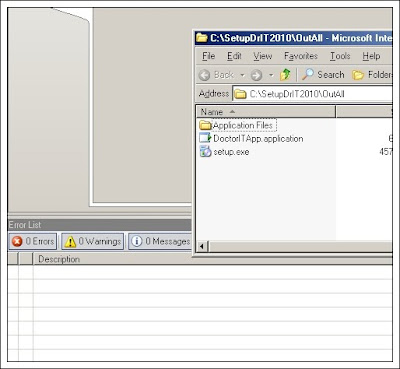
How to solve the problem.
1. Go to Project Properties -> Signing
2. Click button "Select from store..."

3. Select list -> click "OK".


4.Publish project again. Will not see the problem.

Subscribe to:
Posts (Atom)


 Posts
Posts


